
Building sam.gl
In the dozens of reincarnations of my personal site, I’ve always had problems keeping it up-to-date. I’ve always gone with a pretty typical blog/portfolio style of website, but I rarely feel like writing longer form blog posts. Also I often work on smaller projects which don’t merit a place in a typical portfolio.
So for this version of my site I decided to do something a bit different and focus more on the smaller bits of content that could be posted and think about how the site could be automatically kept up-to-date without having to manually make loads of updates. In addition to being more readily updated, these automatic and real-time updates would make the website feel more alive and prevent the site becoming stagnant like my previous iterations.
For me, I wanted the site to feel like my digital twin. A log of all the projects, thoughts, and other things I get up to online. That seems like a pretty cool idea to me. Especially over time, as the data accumulates and I improve and add extra Snitches.
Design & Frontend
To support the idea of posting smaller, incremental pieces of work, I started creating designs which focused primarily on a social media style feed, with other types of content (posts, projects etc) supporting in secondary areas like the sidebar or as a simple navigation item.
I also added a generic Media page to share smaller designs and photography.
A big dilemma I often face when designing my own site is striking the balance between creating a beautiful showpiece - something which is portfolio-worthy in its own right - or creating something that’s more minimal, a design which is more about showcasing the content on the site rather than itself. For this design, I leant towards the latter. That said, I couldn’t resist adding space for a bit of flair in the header sections for the homepage and blog posts.
Making the Site Feel Alive
I designed a number of elements to make the site feel more alive, mainly using animations and real-time updates.

The header text on the homepage is generated from the latest content posted on the site, so it will regularly change and give visitors an idea of what I’m currently working on. Additionally, the header has a nice subtle space aurora effect with twinkling stars, comets, and an easter egg! Even subtle pieces of movement like this help to give the site a less static feeling.
When the site first loads, I show flashing “connecting” indicators which will switch to show “live” when the site has made a connection to the Websocket backend. After a short delay - when the connection has been made - the data in the live feed, the “right now” section, and the activity section will animate in smoothly, again adding to the living feeling.
Live Feed
Thanks to this live connection, updates posted to the site will immediately appear on visitor’s screens, animating in nicely. This is doubly true when I’m online and working, as the “right now” section will update with my status (online/busy/offline) - with apps I’m using on my PC live as I switch between them, the music that I’m listening to in real-time and what code I am currently writing.
Right Now @ SamGL HQ

Updating my Logomark
I don’t need much of an excuse to create a new logo for myself, although I did have a pretty good one this time: I had lost the original file for my previous one.
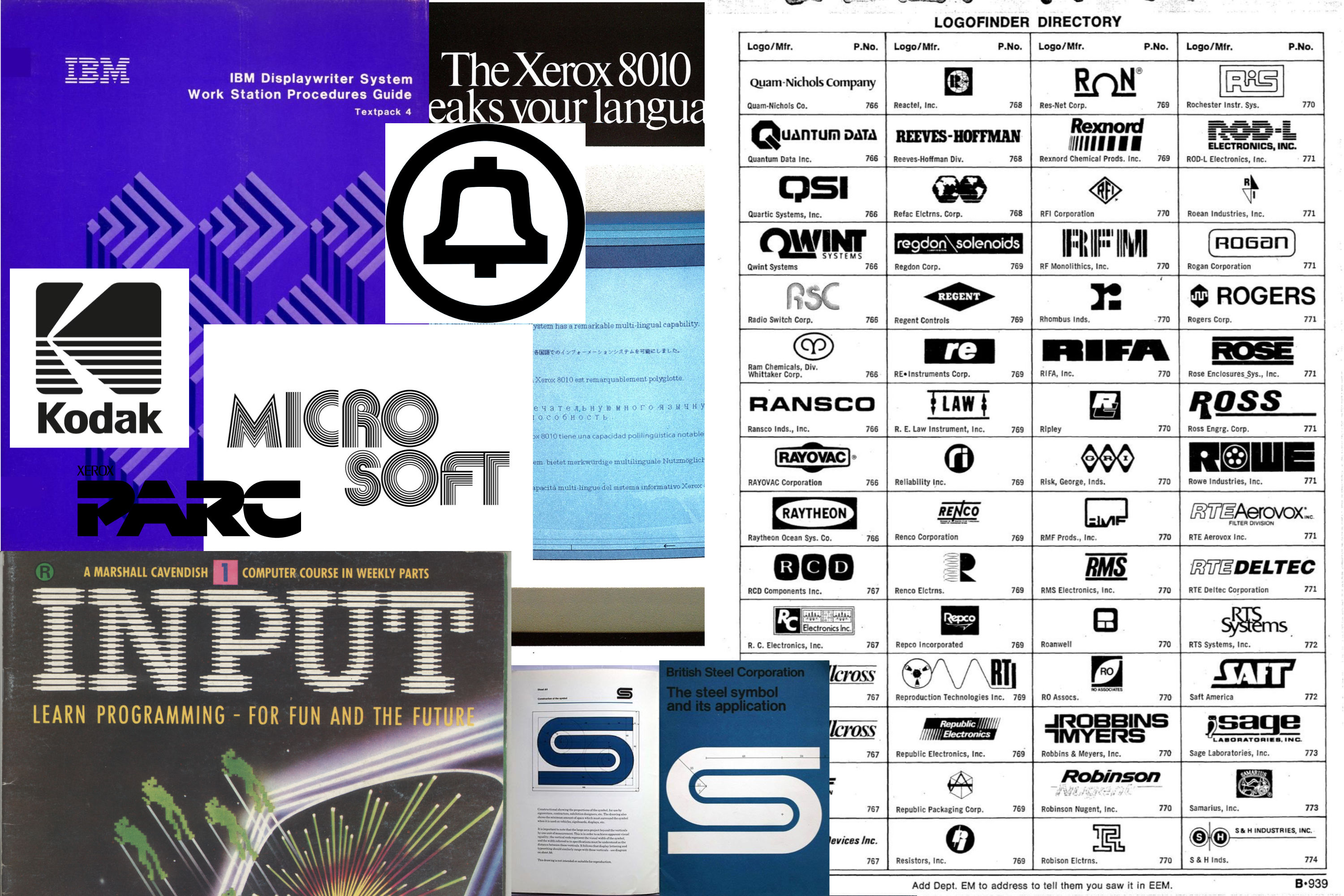
For my new logo I wanted something simple and techy. I initially researched retro tech company logos. I think they look great - I wanted something that gave me the same feeling as the cool logos from the OGs of tech. IBM, Bell Labs, Xerox PARC and the such. I even read through some Electronic Engineers Master catalogues from the 80s.
After immersing myself in all these designs I began trying out a load of different designs. You can see the slow evolution of designs below, ultimately ending up with one I finally liked.
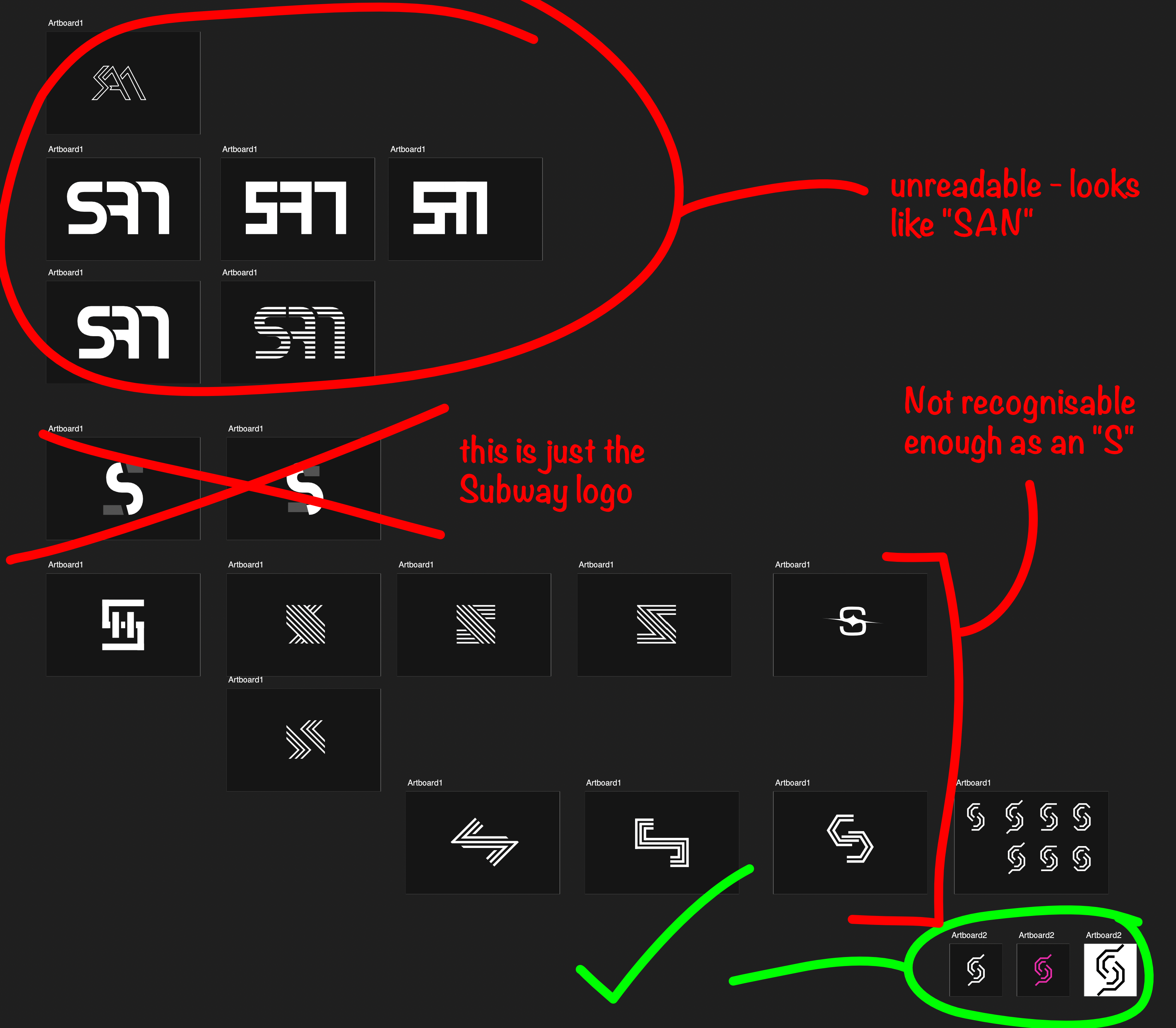

There’s something about the repeating lines that I like. This combined with the circuit-board-style angles worked for me.
Technical Details
The frontend for this site is written with Astro, using both Astro and React components.
- Astro for routing, layouts, and content collections.
- React for interactive client-side components via Astro (islands) hydration.
- Custom styling for CSS, no frameworks.
The content for blog posts and projects are stored as markdown files in this project, while the data in the live feed, “right now” component, and media page are retrieved from the backend using HTTP and WebSocket APIs.
Backend
The backend for this site is written in TypeScript and runs on Bun at https://api.sam.gl. It runs an HTTP API and the WebSocket endpoints used for live updates of the website.
Feed
The live feed section of the site is built up from the various types of activities, currently:
- Music Listens
- Git Commits
- Updates
Although I plan to add others in the future like:
- Bookmarks
- Books read
- Photos
I have been and will continue experimenting with how the feed it constructed. The main problem is the feed becoming overwhelmed with activities that happen more often. To combat this, I’m currently grouping music activities that happen within a certain time of each other. I’ll likely add this to Git commits too, and possibly as a default behaviour for all items in the feed.
Datastore
The backend interacts with two main datastores. The database contains all the activites and feed item. It is queried to construct the initial state of the live feed. Further updates are then retrieved by websocket and prepended to the feed.
The second datastore is a simple in-memory map for each short-lived live activity - i.e. anything in the “right now” area on the site (except music activities which are also sent to the database for use in the live feed.) This in-memory datastore is updated whenever the snitches send something new - if they don’t receive anything after a certain amount of time, they are cleared out.
In the future, I’ll be adding a more in-depth look at the data collected and stored in the database along with filters and searching. It will be cool to see trends over time, which projects I’ve worked on - when and how many lines of code for each, what my most listened to tracks are over different time periods, and so on.
Snitches
Providing the data to the backend, I have a number of what I’m calling “snitches” running on my local computers. These all watch for specific things happening and send requests to the backend, which in turn updates the datastores and sends websocket updates to clients connected to the website.
Music Snitch
This is a Python script which is configured to start whenever my computer launches. It creates an observer that is triggered on track changes in Apple Music and calls a bit of Applescript to get the track position via osascript. This info is then sent to the backend.
App Snitch
Another Python script which subscribes to macOS NSWorkspace notifications. When the active app changes, it gets the bundle ID and checks it’s in my allowlist - as I don’t want to send every active app to the backend API.
If sending the active app is allowed, it is sent to the backend, and then a heartbeat every 5 seconds while it remains active. The backend clears the app if it doesn’t receive a heartbeat for a certain amount of time. If a non-allowed app becomes active or the app is closed, the heartbeats stop.
Code Snitch
The code snitch is a small VS Code extension. It simply watches the active editor and sends the current file name to the backend API. Like the app snitch, it then sends a heartbeat every 5 seconds. If the backend doesn’t receive a heartbeat for a certain amount of time, it clears the code activity.
Git Snitch
This is a simple Git hook which is set up at a user-level using the recently added Config based hooks - this means it applies to all my repos. After I push, the script inspects the commits for LOC added and removed, the main programming language, repo name, commit hash, message etc. The main language is inferred using a combination of file extension & the number of LOC changed for each extension.